Install guide
Installing the S9 App, Step by Step
Written for someone who has never side-loaded an APK before. Android's exact wording differs
slightly between manufacturers, so where that matters we have noted the variations you are
likely to see on Samsung, Xiaomi, Infinix and Tecno handsets.
1
Open the download link
Tap the download button on this page. It opens the official S9 Game page where you can create
your account and pull the current APK build. Always start from a link you navigated to
yourself rather than one forwarded to you by a stranger.
Tip: Chrome may briefly show a "this type of file can harm your device" bar. That is a
generic warning Android shows for every APK, not a detection of anything specific.
2
Allow installs from your browser
Android blocks installs from outside the Play Store until you grant permission per app. When
prompted, tap Settings and enable the toggle for whichever browser you downloaded
with, then press back to return to the installer.
Where to find it: Settings → Apps → Special access → Install unknown apps. On older
builds it is Settings → Security → Unknown sources.
3
Run the installer
Open the downloaded file from your notification shade or the Downloads folder and tap
Install. Installation takes about thirty seconds. Some devices run an additional
Play Protect scan first — let it finish rather than cancelling it.
If nothing happens: the download probably did not complete. Check that the file size is
around 48 MB before opening it; a much smaller file is a truncated download.
4
Register your account
Open the app and tap Register. You need a mobile number and a password — no email
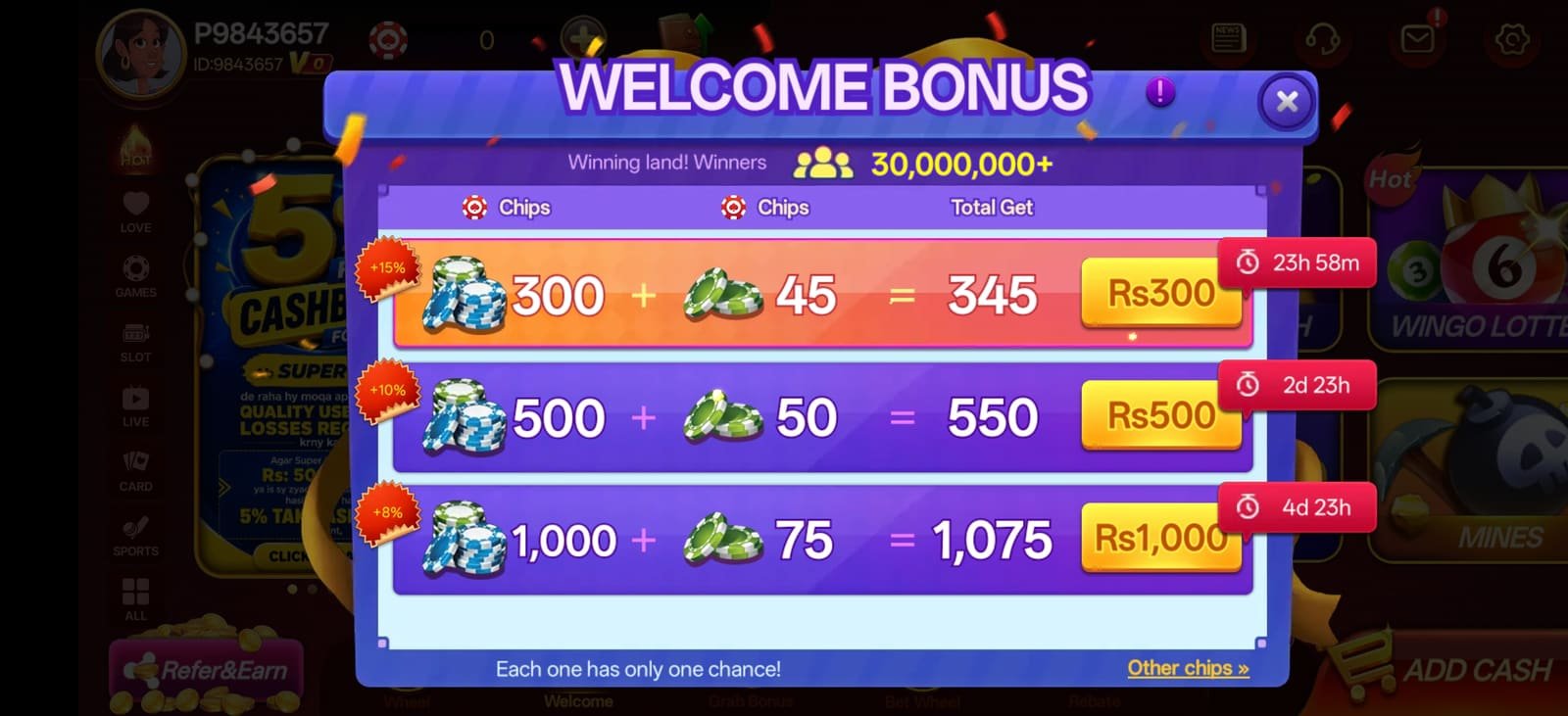
verification loop and no document upload at this stage. The welcome bonus attaches to your
first qualifying deposit automatically.
Do this now: complete identity verification on day one, before you have a balance you
are impatient to withdraw. It makes every later payout run at full speed.
5
Fund your wallet
Open the wallet, choose a payment method and enter an amount from ₹100 upward. Mobile wallet
deposits usually credit within a minute; bank transfers follow normal banking hours. Confirm
the amount on screen before you authorise anything.
Important: deposit from an account in your own name. A name mismatch between your
payment method and your player account will hold up your first withdrawal.
6
Keep the app updated
Update from inside the app when it prompts you, rather than re-downloading from whichever
site happens to rank in search that week. In-app updates preserve your session and are the
only route guaranteed to give you a genuine build.
Release alerts: new S9 APK versions are announced on the community Telegram channel
@yn_games first.